
Build your CV in 4 steps – FREE
Use our totally free CV Maker to quickly create a stunning CV online and then download it as a MS Word document or PDF. You don’t need any experience and can get started immediately. Simply use our pre-written content to tailor your CV to the job or industry you’re in.
Step 1 – Choose a Template (From our designs)
Step 2 – Enter your details (Use 1000’s of our pre-written examples)
Step 3 – Preview (View your work and edit if necessary)
Step 4 – Download (Download, Print or Email)
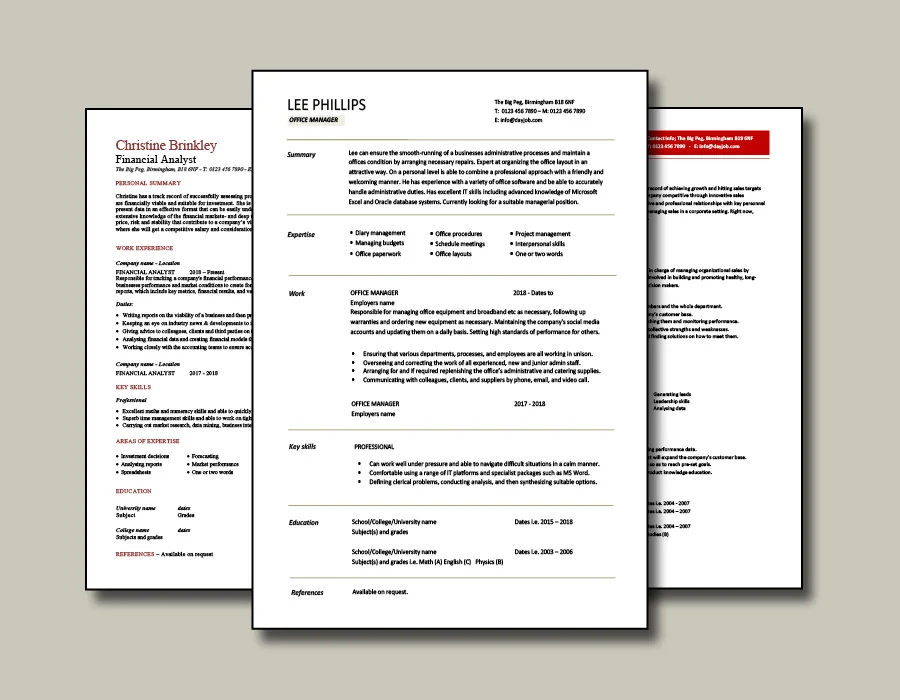
Choose any of these CV templates
CV Builder template 1

CV Builder template 2
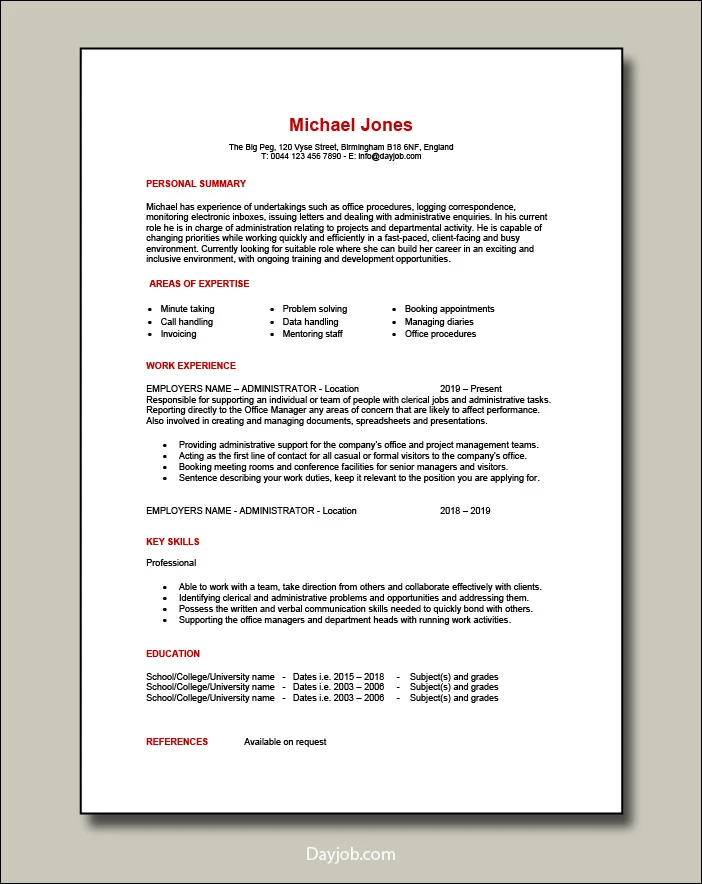
CV Builder template 3

CV Builder template 4

CV Builder template 5

CV Builder template 6
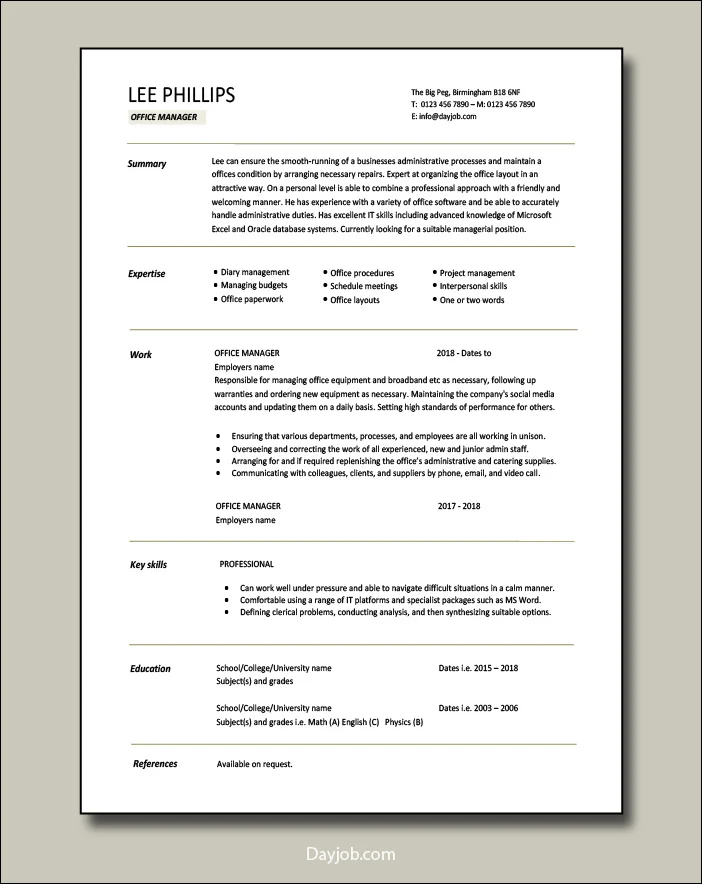
CV Builder template 7
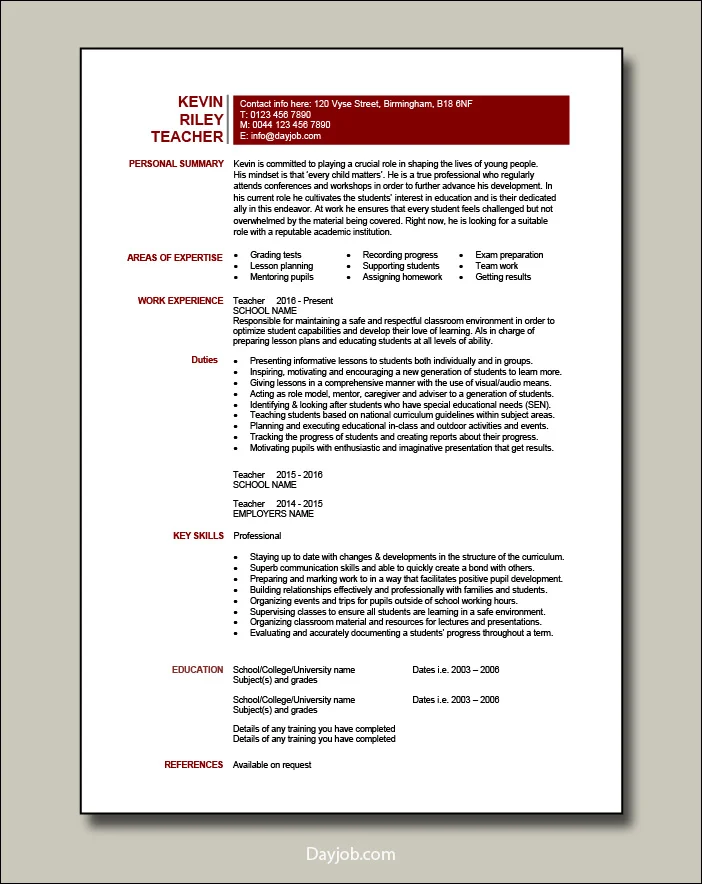
CV Builder template 8
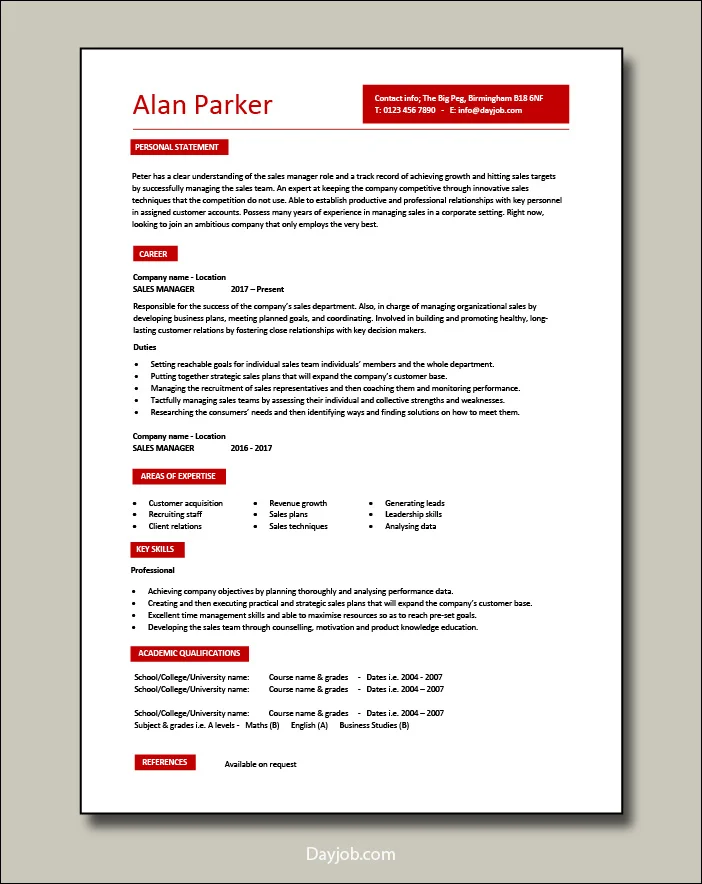
CV Builder template 9
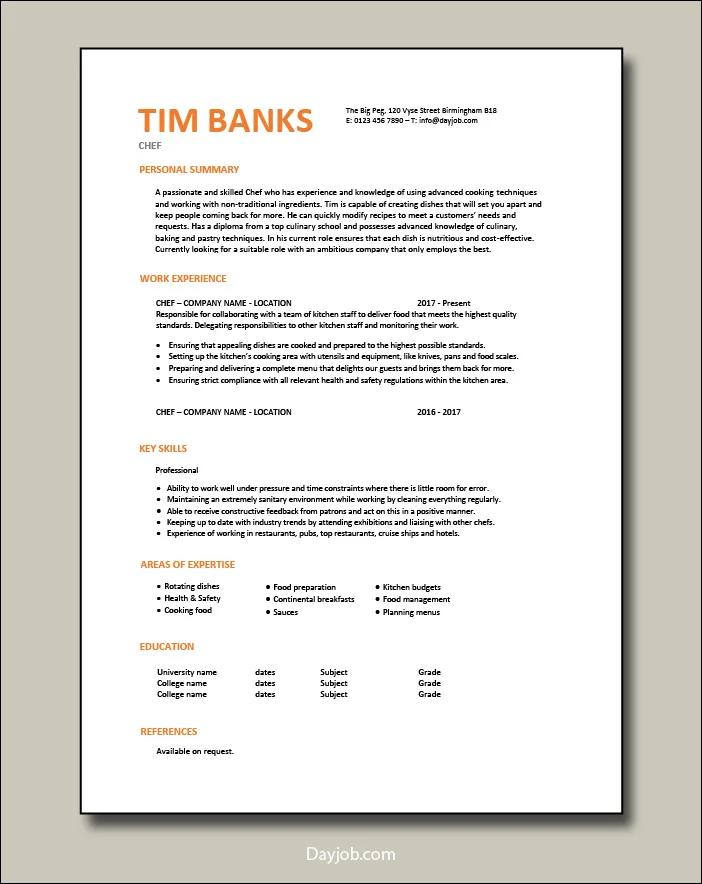
How to use the CV builder
Below is a step-by-step guide that will take you through the CV building process. Follow it and create your best CV in minutes.
Estimated time required: 30 – 60 mins
1. Choose a template
We have used our more than 15 years of experience in online recruitment to create a bank of templates that are guaranteed to get you noticed. They have a professional look without being over the top and are suitable for any industry, role, or experience level.
These ready made examples have sections for your contact information, personal profile, work experience, skills, and academic achievements.
They come with a readable font size, one-inch margins all the way around, and can be tweaked and formatted to your requirements.

2. Enter your personal information
Start off by filling in the blanks in the labelled text fields with your full name and contact details.
Remember to include your address, email and phone number.
Tips:
- Double check your spelling, the last thing you want is for a recruiter to be unable to contact you because of a typing error.
- Don’t write CV or Curriculum Vitae alongside your name.

3. Add a summary with the CV Builder
This is a vital section that sits at the top of the page and is the first thing a recruiter will see.
As such it’s an opening foreword to your CV and should be viewed as an opportunity for you to immediately state who you are, the value you can bring to the position and your career objective.

4. Build on your work experience
Reinforce why you are suitable for the position by giving details of your previous jobs and listing the relevant duties you’ve performed and your achievements in each post.
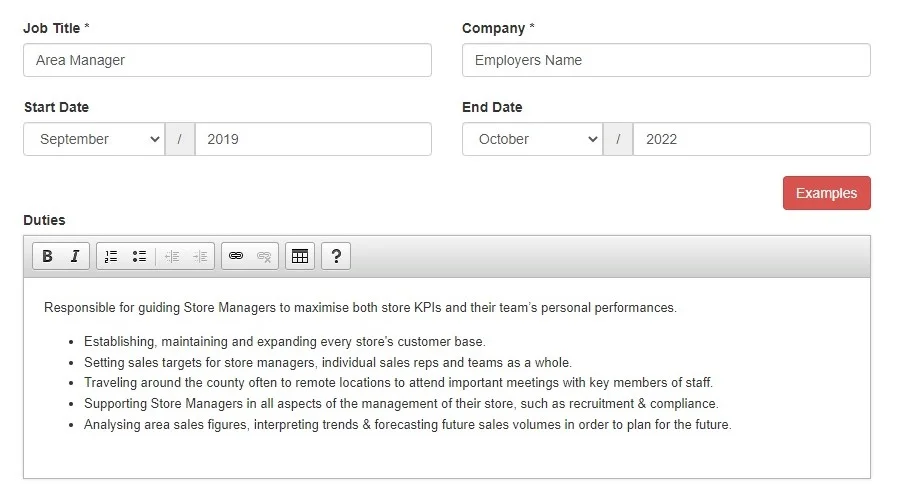
Our online CV Maker has laid out boxes for your job title, employers name, location, start/end dates, and duties. You have everything already in place to explain any permanent, temporary, part-time or voluntary roles, along with previously penned content for all types of jobs.
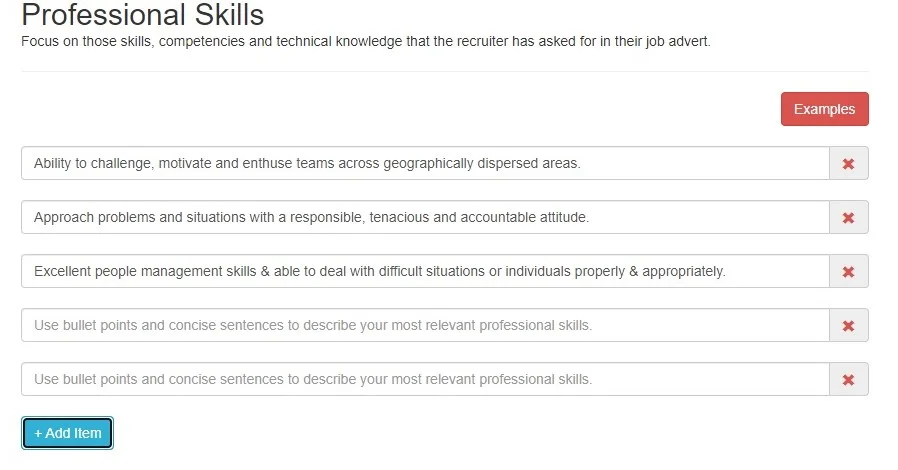
5. Insert your skills
Use our CV Creator to show you have the soft and hard skills needed to justify an interview.
Search our vast list of role specific skill samples to find the ones that will show you are an experienced high performer.
You can find the competencies the recruiter wants in a candidate by reading and deciphering the job advert and then mirroring those keywords or phrases precisely in your CV.
6. Education and academic qualifications
Tailor your CV further by using our Builder to not only give details of your formal education but also any additional training or certifications you may have achieved.
Simply fill in the blank spaces with the names of your school, college and university as well as the subjects your studied and your grades.
For each academic entry provide the Institutions name, be it a University, College or School followed by the course name, then the dates attended and finally the grades or classifications you achieved.

7. Customize the look
Finished, but want to change things? No problem, our CV builder allows you to add new sections like hobbies, as well as rearrange, or remove existing sections in just a few of clicks. You can keep altering the white space, line height, font size, and colours until you are fully satisfied with the end result.
Access our built-in templates, font combinations and drag-and-drop tools to get the look you want. Use the click and hold function to grab an item with a mouse or touchpad, move it across the screen, and release it. You can also graphically position text, images, and buttons without needing to write code.

8. Preview your CV
Review what you’ve done and how it looks in real time. Ask yourself if the CV summarises your work history, skills, experience and education which relate to the job you are applying for.
Layout wise, does it look clean as well as professional, and is it easy to skim. Play around with styles and formats until you feel you’ve got it right. Avoid having a dense wall of text which can slow down reading, hide your strengths and result in you getting overlooked.
If you’re happy then fine, if not then modify it.

9. Edit your CV to improve it
Follow the on-screen instructions if you feel the need to redraft a section, move things around or correct a spelling mistake.
Get the look of your CV right by ensuring the different sections are aligned properly and flow in a natural order. Do this by setting margins strategically and keep them between 0.5 to 1 inch. Do not use tiny font sizes like size 8, instead keep body text between 10 to 12 points. Make sure your line spacing is set between 1.15 to 1.3 as this will give letters and words room to breathe without looking over spaced.

10. Download
Finally, when you’re satisfied with what you’ve made you can download, print or save multiple versions of your CV in various commonly used formats.
You can download it in Microsoft Word .docx format or PDF which stands for Portable Document Format. Both have their advantages and disadvantages, although PDF is the most commonly used file when applying for jobs.

Building an ATS optimised CV
By: Iejaz Uddin – Updated 5 July 2026
Recruiters use an Applicant Tracking System (ATS for short) to electronically filter candidates.
This automated piece of software screens, searches and stores CVs for keywords and can reject up to 75% of job applications before they are even seen by a human being.
Our CV Maker will create a CV that is ATS compliant by getting the keyword optimization balance right and by using ATS friendly formats, fonts, layouts and bullet points.
Pre-written examples to create your CV
Lost for words and not sure how to explain your skills, experience or work duties?
Don’t worry, we have 1000’s of expertly written and keyword optimised examples that are suitable for 100’s of different job roles.
Scroll through our pre-written role specific duties and skills suggestions and select those relevant to the position you are applying for.
CV Building Tips
When it comes to your CV, size matters, the shorter the better. The length of your CV can determine whether you get invited to an interview or not. It is therefore an issue that should concern every job seeker. This page will give you the reasons for keeping your CV short and more importantly show you how to …
Applicant Tracking Systems and how to beat them
Ever wondered why you aren’t getting invited to job interviews. It could well be down to a ATS [Application Tracking System]. This automated software acts as a robot gatekeeper and is being used by an increasing number of recruiters to receive, store and search job applications…
PDF CV or Word CV which is best?
These days most CVs are sent via email when applying for a job, and tend to be transmitted in either PDF or MS Word format. Both of these formats are fine, but have their own unique advantages and disadvantages. On this page, we will give you the positive and negatives of either option and then our conclusion [at the bottom of the page]. Remember that your aim as an applicant is to …
Action words that will make your CV stand OUT!
Actions speak louder than words, and by using the right actions words you can not only make yourself heard but also bring your CV to life. Also known as power and buzz words, these powerful phrases can be used to describe your strengths as well as achievements and make what you write more dynamic to read. By simply swapping common words for …
How to read a job advert and build a winning CV
Jobs adverts are a vital part of the recruitment process. Employers use them to sell jobs and attract the best candidates. They can also be an excellent source of information that job seekers can use to extract key data that can increase their chances of success. These are advertisements written by HR departments or recruitment companies, and are designed to …
How to write a winning personal summary
A Personal Summary [also known as a ‘personal profile’] should be a punchy, informative and concise introduction to you CV or Resume. It’s a critical part of your CV that sits at the top of the page, just below you contact details. In essence it’s a short introductory paragraph that is …
Question; What is a successful CV? Answer: One that wins you an interview. Contrary to popular opinion, a CV is not there to get you a job, it’s there to get you invited to an interview. It’s as simple as that. At its most basic it is a marketing tool that sells a potential employee to a prospective employer. This in turn means that as …
Advantages of our CV Builder
Our CV builder draws on our company’s long and successful history of giving quality career advice to jobseekers. It is ideal for time constrained job seekers who want to quickly write a top notch and powerfully presented CV.
Our hassle and trouble free CV Builder has:
Related: Advantages of a CV Builder
Templates for all types of jobs and people at any stage of their career
You have a wide range of clear, concise and high impact CV styles, templates, designs and layouts to choose from.
1000’s of professionally written examples
Got writers block and not sure what how to explain your previous duties, responsibilities or key skills? Don’t panic, we have thousands of expertly written samples that are suitable for every job and industry imaginable.
Quick and easy to use
A fool proof simple process that also includes a step by step guide which gives you expert hints and tips about putting your CV together. All enabling you to respond quickly to a vacancy by creating a CV promptly.
Make multiple CVs
You can even make multiple versions for different roles and download them in various formats like Word and PDF to suit a recruiters’ precise requirements.
Edit your CV much as you like
Access and work on your CV from anywhere, day or night 365 days a year.
Related: What is a CV Builder?